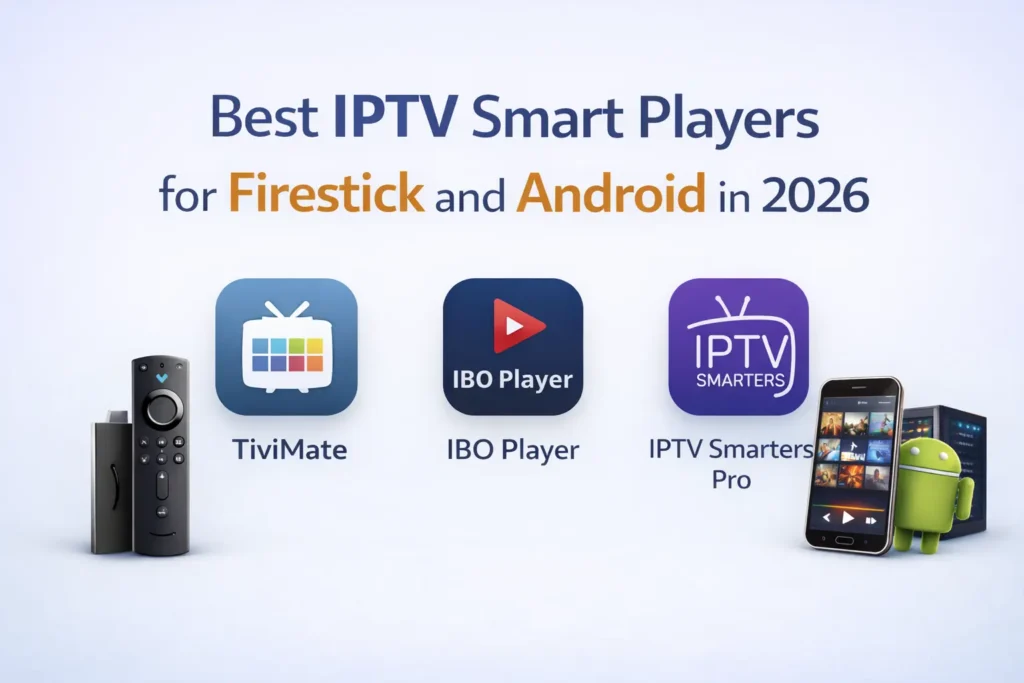
IPTV Smarters Pro is one of the most versatile and popular IPTV player applications available today. This free application allows users to stream live TV channels, movies, and series using their IPTV subscription credentials. With its user-friendly interface and robust features, it has become the go-to choice for IPTV enthusiasts worldwide. In this comprehensive guide, we’ll walk you through the installation process on various devices and show you how to set up your IPTV subscription properly.
What is IPTV Smarters Pro?
IPTV Smarters Pro functions as a media player specifically designed for IPTV services. Unlike traditional cable or satellite TV, IPTV delivers television content over internet protocol networks. The app doesn’t provide content itself but serves as a platform to access your IPTV subscription.
Key features that make IPTV Smarters Pro stand out include:
- Multi-screen support
- EPG (Electronic Program Guide) integration
- Catch-up TV functionality
- Favorite channels list
- Multi-language support
- Parental controls
- Customizable interface
Before proceeding with installation, it’s important to note that you’ll need a valid IPTV subscription from a provider like Brix IPTV to access content through this app.
Installing IPTV Smarters Pro on Firestick and Android TV
Amazon’s Firestick and Android TV devices are among the most popular platforms for IPTV viewing. Here are several methods to install IPTV Smarters Pro on these devices:
Method 1: Using the Downloader App (Recommended for Firestick)
- From your Firestick home screen, go to Settings → My Fire TV → Developer Options
- Enable Apps from Unknown Sources and ADB Debugging
- Return to the home screen and search for “Downloader” in the search bar
- Download and install the Downloader app
- Open the Downloader app
- Enter the short code 6468112 in the URL field and click “Go”
- The IPTV Smarters Pro APK will download automatically
- Once downloaded, click “Install”
- After installation completes, click “Done”
- You can delete the APK file to save space
Method 2: Official App Store (Android TV)
- From your Android TV home screen, go to the Google Play Store
- Search for “IPTV Smarters Pro”
- Select the app from the results
- Click “Install”
- Once installation is complete, open the app from your apps list
Method 3: APK Sideloading (Alternative Method)
- Download the IPTV Smarters Pro APK on your computer
- Transfer the APK file to a USB drive
- Connect the USB drive to your Android TV
- Use a file manager app to locate and install the APK
- Follow the on-screen prompts to complete installation
Installing IPTV Smarters Pro on Smart TVs (Samsung/LG)
The installation process varies depending on your Smart TV brand:
Samsung Smart TVs
Samsung TVs run on the Tizen OS, which has some limitations for third-party apps:
- Press the Home button on your remote
- Navigate to the Apps section
- Search for “IPTV Smarters Pro” using the search function
- If available, select and install the app
If IPTV Smarters Pro isn’t available in the Samsung app store, consider these alternatives:
- Use the built-in web browser to access a web-based IPTV player
- Connect an external device like a Firestick or Android Box
- Use screen mirroring from a device that has IPTV Smarters Pro installed
LG Smart TVs
LG TVs run on WebOS, which also has limitations for third-party applications:
- Press the Home button on your remote
- Navigate to the LG Content Store
- Search for “IPTV Smarters Pro”
- If available, download and install the app
Similar to Samsung TVs, if the app isn’t available, consider the alternatives mentioned above.
Installing IPTV Smarters Pro on Mobile Devices
Android Phones and Tablets
Installing on Android devices is straightforward:
- Open the Google Play Store
- Search for “IPTV Smarters Pro”
- Tap “Install”
- Once installed, open the app from your app drawer
iOS Devices (iPhone and iPad)
For iOS users:
- Open the App Store
- Search for “IPTV Smarters Pro”
- Tap “Get” and complete the installation
- Open the app from your home screen
Configuring IPTV Smarters Pro with Your Subscription
Once you’ve installed IPTV Smarters Pro, the next step is to configure it with your IPTV subscription. The most common method is using Xtream Codes API:
Step 1: Gather Your IPTV Credentials
Before proceeding, you’ll need the following information from your IPTV provider:
- Username
- Password
- Server URL/Portal URL
If you don’t have an IPTV subscription yet, you can get a premium service from Brix IPTV that works seamlessly with IPTV Smarters Pro. They even offer a free trial so you can test their service before committing.
Step 2: Add Your Subscription
- Open IPTV Smarters Pro
- Select Add User (or “+” icon, depending on version)
- Choose Login with Xtream Codes API
- Enter your details:
– Username: Your provided username
– Password: Your provided password
– Server URL: The portal URL provided by your IPTV service
- Click Add User or Connect
- The app will verify your credentials and load your subscription
Step 3: Navigate the Interface
Once connected, you’ll have access to:
- Live TV: Browse and watch live television channels
- VOD: Access video-on-demand content (movies and series)
- Series: Browse and watch TV shows
- Catch Up: Watch previously aired content (if supported by your provider)
- Settings: Customize your viewing experience
Troubleshooting Common Issues
Connection Problems
If you’re experiencing connection issues:
- Verify your internet connection is stable
- Check that your subscription credentials are entered correctly
- Ensure your subscription is active and not expired
- Try using a VPN if your ISP might be blocking IPTV traffic
- Contact your IPTV provider to confirm server status
Buffering Issues
Buffering can be frustrating. Try these solutions:
- Check your internet speed (minimum 10 Mbps recommended)
- Reduce the video quality in settings
- Close other applications running in the background
- Use a wired connection instead of Wi-Fi if possible
- Restart your device and router
App Crashes
If the app keeps crashing:
- Clear the app cache (through device settings)
- Ensure you have the latest version
- Restart your device
- Reinstall the application
- Check if your device meets the minimum requirements
Enhancing Your IPTV Experience
To get the most out of IPTV Smarters Pro:
Customize the Interface
- Go to Settings → App Settings
- Adjust theme colors, layout, and viewing preferences
- Set up parental controls if needed
- Configure EPG timeshift according to your timezone
Create Favorites Lists
- While watching a channel, press the menu button
- Select Add to Favorites
- Create different favorites categories for easy access
External Players
IPTV Smarters Pro supports external players like VLC and MX Player:
- Go to Settings → Player Settings
- Enable External Player
- Select your preferred player from the list
Why Choose a Premium IPTV Service?
While IPTV Smarters Pro is free to download, the quality of your viewing experience ultimately depends on your IPTV subscription. Premium services like Brix IPTV offer several advantages:
- Higher stream quality and reliability
- More extensive channel selection
- Better customer support
- Regular updates and maintenance
- Legal compliance and security
Reputable providers like IPTV Gateway and My Abonnement IPTV also offer quality services, but we recommend checking out Brix IPTV for a premium experience that works perfectly with IPTV Smarters Pro.
Conclusion
IPTV Smarters Pro remains one of the most versatile and user-friendly IPTV players available. By following this guide, you should now have it successfully installed on your preferred device and configured with your subscription.
Remember that a quality IPTV subscription is essential for the best viewing experience. Visit Brix IPTV to sign up for a premium subscription that delivers reliable, high-quality streams across thousands of channels. Their service is specifically optimized for IPTV Smarters Pro, ensuring a seamless viewing experience.
Ready to elevate your entertainment experience? Start your free trial today and discover why thousands of users trust Brix IPTV for their streaming needs.